RGB vs CMYK
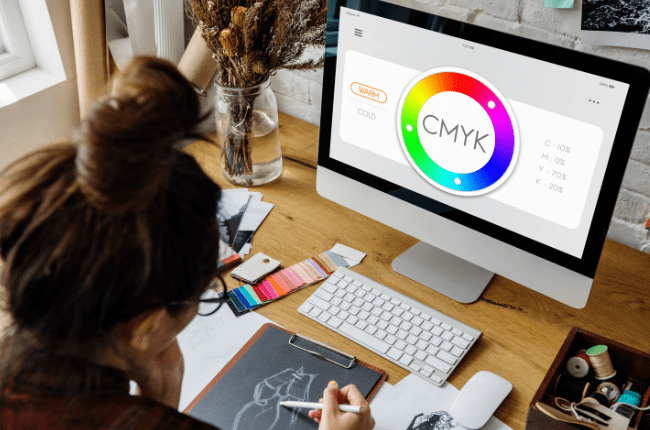
Navigating the world of printing can sometimes feel like decoding a secret language, especially when it comes to understanding RGB vs CMYK. These two color models are fundamental to the printing process, but each serves a different purpose. Let’s delve into the differences between RGB and CMYK in printing terms to help you make informed decisions at the print shop.
Understanding RGB and CMYK
RGB, which stands for Red, Green, and Blue, is a color model primarily used for digital displays. It combines these three colors in various ways to produce a broad spectrum of colors. This model is ideal for anything viewed on a screen, such as websites, digital graphics, and online images. It’s crucial to understand RGB vs CMYK when working on projects that involve both screen and print media.
On the other hand, CMYK stands for Cyan, Magenta, Yellow, and Key (Black). This model is specifically designed for color printing. Unlike RGB, which emits light, CMYK works by subtracting light absorbed by inks on paper, which is why it’s also known as a subtractive color model. The colors you see in print are a result of the light that isn’t absorbed by the ink.
Why the Distinction Matters
The distinction between RGB vs CMYK is crucial when transitioning from digital designs to print. Files created in RGB might not print exactly as they appear on your screen if they’re not converted to CMYK. This is because screens and printers interpret color differently. An RGB file might look vibrant on your monitor but can appear duller when printed if not converted properly.
Best Practices for Color Printing
- Start With the End in Mind: If your final product is going to be printed, begin your design process in CMYK mode. This ensures that the colors you see on screen will closely match the printed result.
- Convert Early: If you’ve designed something in RGB, convert it to CMYK before finalising your work. This helps in adjusting any colour shifts that might occur during conversion.
- Proof Your Work: Always request a proof from your print shop. This allows you to see how the colours will actually appear on paper and make any necessary adjustments before the final print run. This is another crucial step in dealing with the RGB vs CMYK dilemma.
- Communicate with Your Printer: Discuss your project with your printer. They can offer insights into their specific printing process and help you achieve the best results.
- Use High-Quality Images: Ensure that any images you plan to print are of high resolution and suitable for CMYK conversion. Low-quality images can lead to poor print results.

Understanding the difference between RGB vs CMYK printing is vital for achieving the desired outcome in your printed materials. By keeping these tips in mind, you can ensure that the colours in your print projects are as vibrant and accurate as possible. Remember, a little knowledge goes a long way in bridging the gap between digital design and physical print.